Getting started
Invite someone to your household
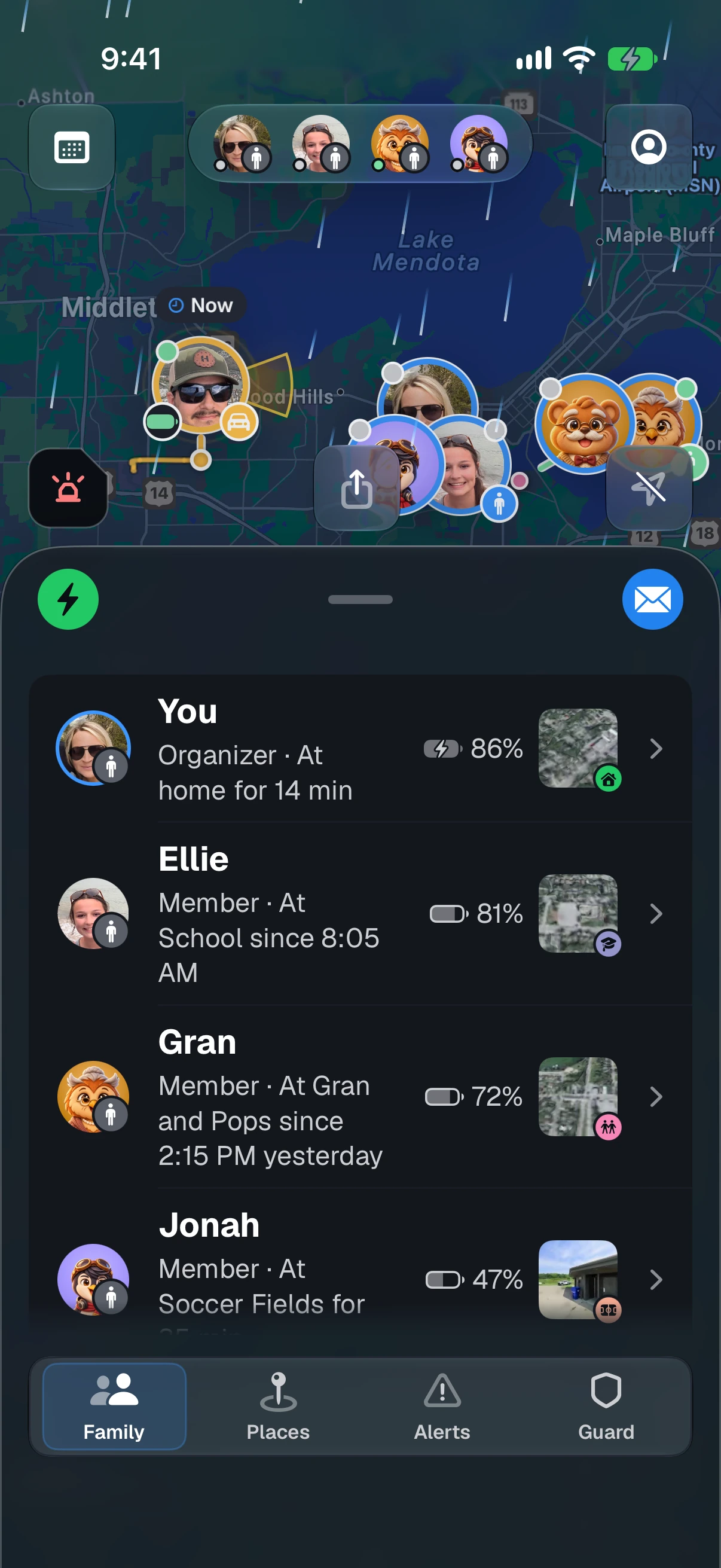
A household invitation lets someone join your family in SaberAlert with their own account. The organizer sends it from the Family tab on iPhone.
Send an invitation
- Open Family in the iPhone app and tap Invite family.
- Enter the email address your family member will use for SaberAlert.
- Tap Send invite. They’ll get an email with an invitation link and a join code.
Join from an invitation
Open the invitation email on your iPhone and follow the link into SaberAlert. If you already have an account, sign in with the email address that received the invitation. If you’re new, the app will guide you through setting up your account.
You can also choose Join a family when you open the app. Paste the invitation link, or enter the eight-character join code and tap Continue.
Get SaberAlert for iPhoneIf the email hasn’t arrived
Ask the organizer to open the pending invitation in Family and tap Resend to send a fresh email.
Know where your family is. Know when someone comes to your home who isn’t.
Family location in the app. Home awareness coming with Saber Sensors.
Need a hand with something else?
Talk to us