
Family insights
Look back at the places your family visited and the drives you shared.
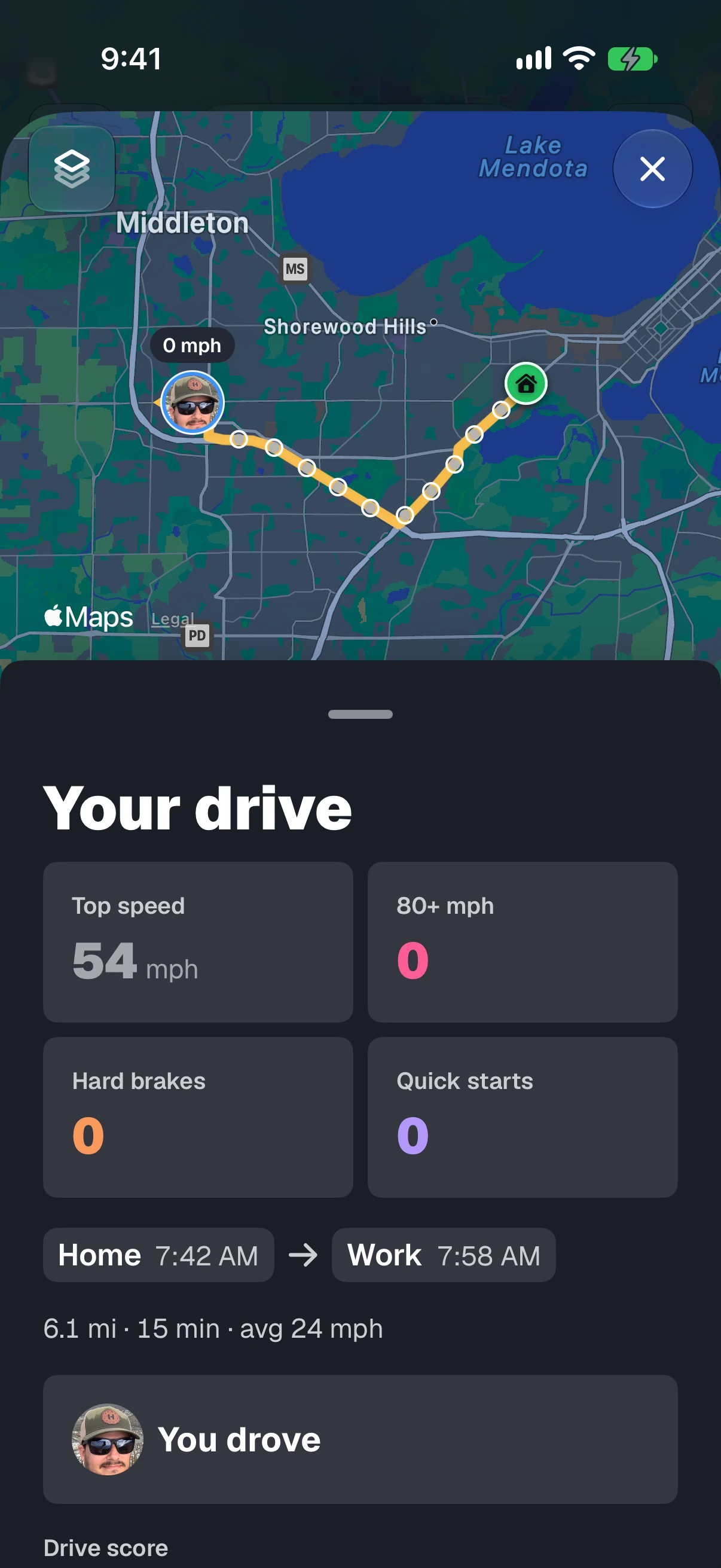
Who drove, who rode
Open a person’s card in Activity to see how they got around.
- Drove
- This person was the driver. Their miles and driving time come from these trips.
- Rode
- Trips this person took as a passenger.
- Not sure
- Shared trips where it’s still unclear who drove.
How shared drives count
If you drive a family member to practice, the Everyone card counts one drive for the family. The miles and driving time count once, for the driver. When the driver is unclear, the trip appears under Not answered.
Places and visits
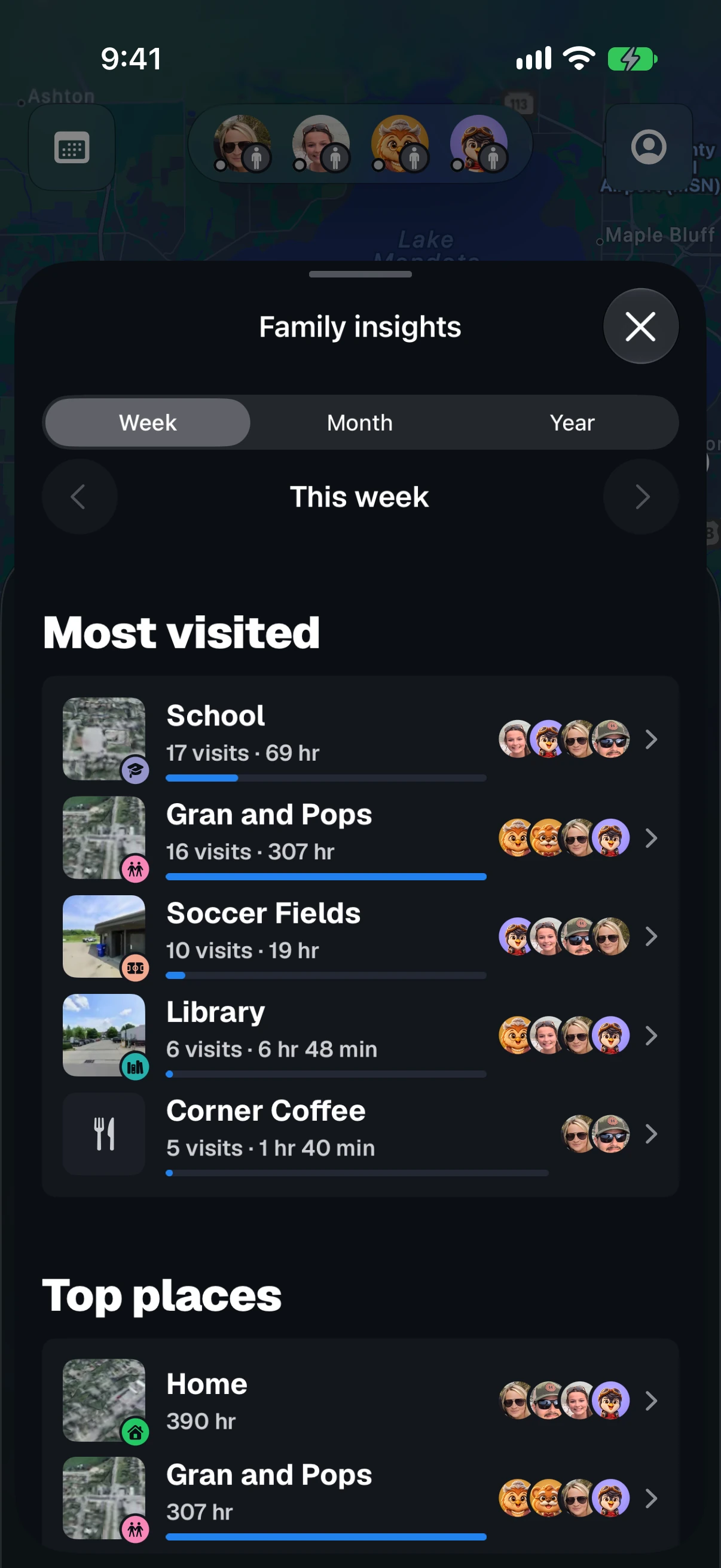
In Family, tap See family insights. Choose a week, month or year. Most visited lists your family’s frequent stops. Top places shows where you spent the most time.
Each person’s sharing choices determine which visits you can see. Time at places is included with Duo and Family. Your plan sets how far back you can look.
Know where your family is. Know when someone comes to your home who isn’t.
Family location in the app. Home awareness coming with Saber Sensors.
iPhone · TestFlight